Install INAV
This section explains how to install INAV on a flight controller using INAV Configurator.
INAV Configurator
In the previous section, your computer should have been prepped and have been able to install INAV Configurator successfully. Before starting to wire and solder up your FC, it's a good idea to flash the FC to ensure INAV works as expected on it. To do this, open INAV Configurator and you'll be greeted with the following welcome screen:
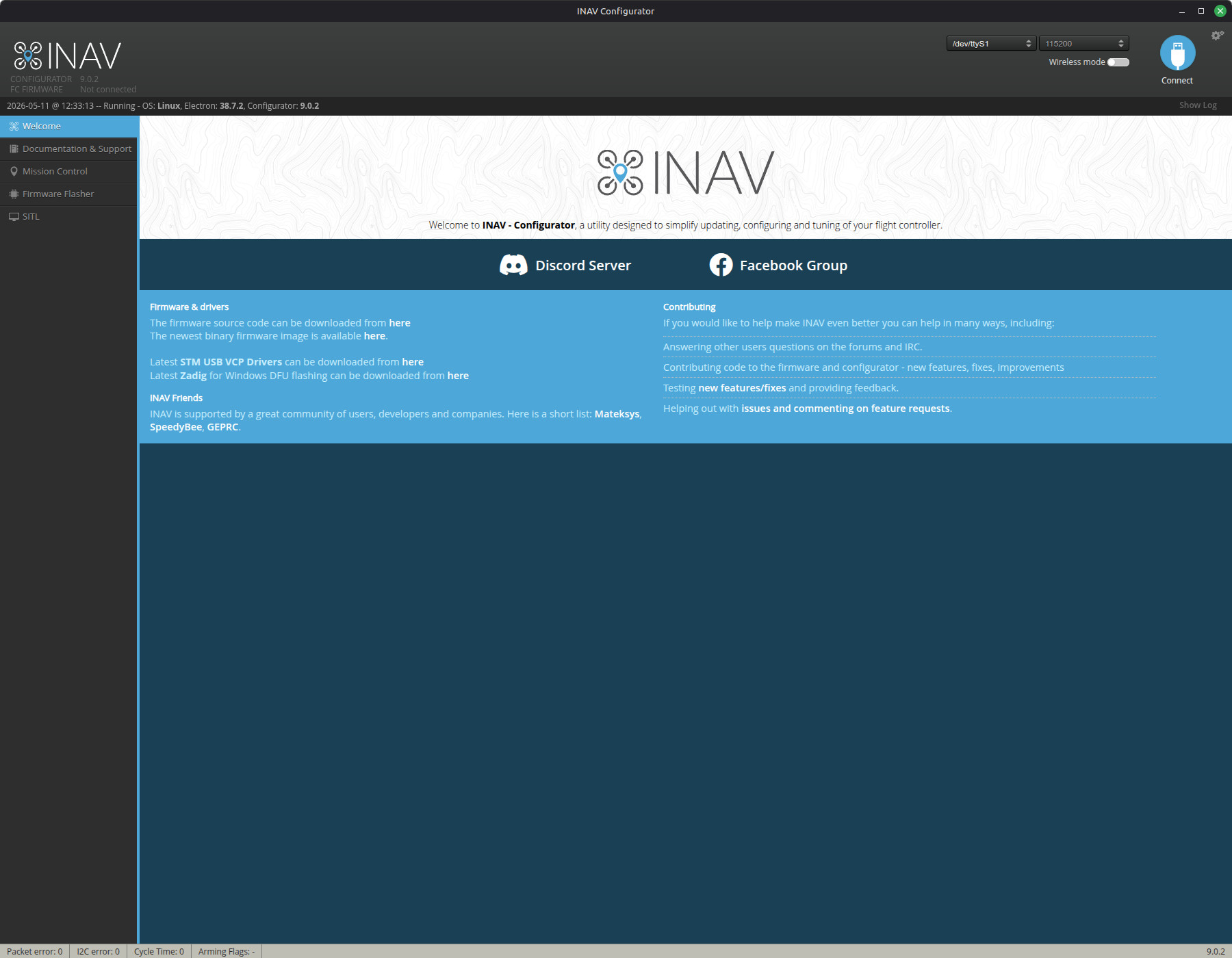
The top section is the header. On the left side, the version of Configurator and the FC's INAV version are displayed (when connected). The right side shows the port, the baud rate of the port, a settings menu, a wireless toggle mode, and a connect button.
Flash INAV To The FC
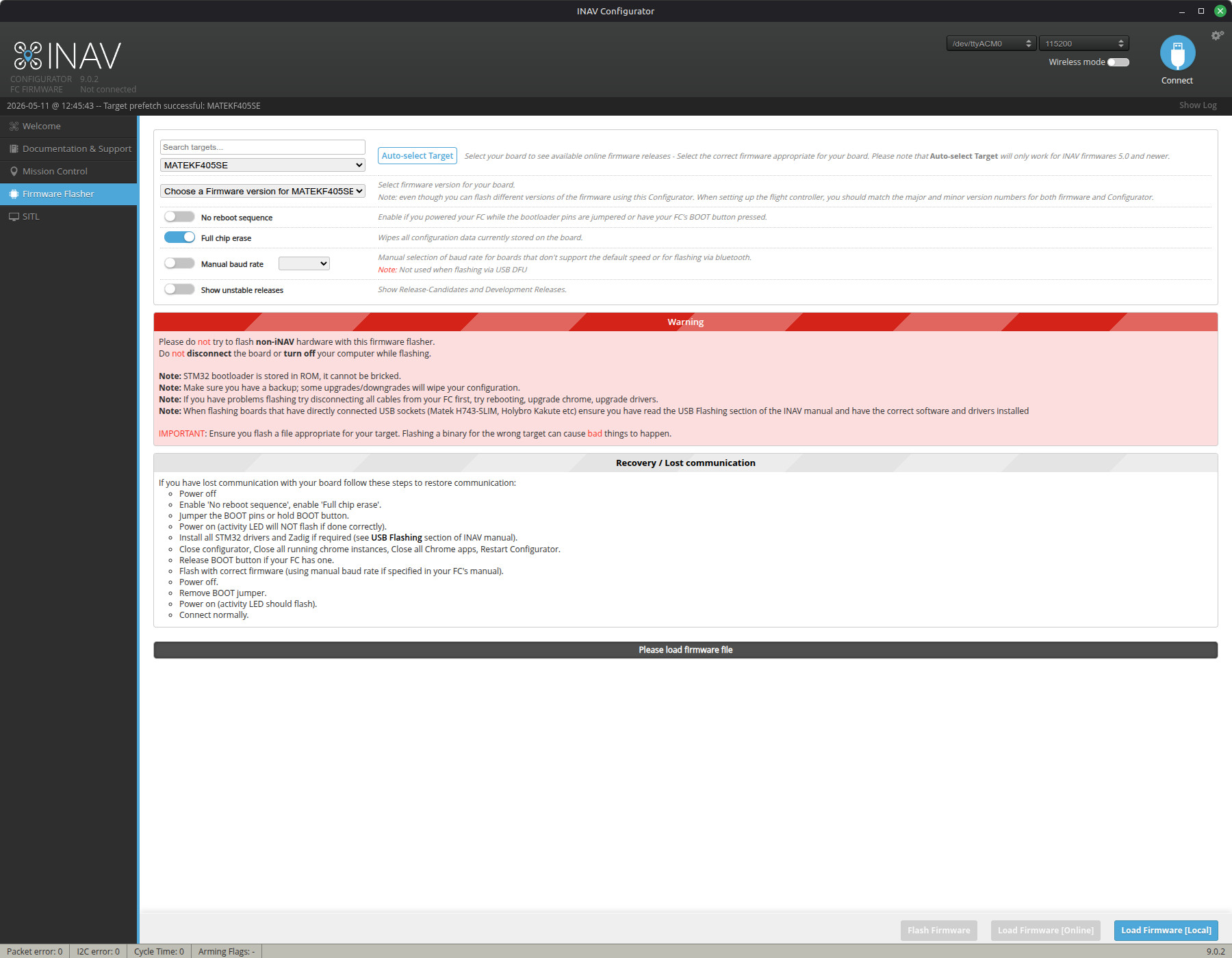
Flashing INAV is all done on the Firmware Flasher tab in Configurator:
Brand New FC or FC with Other Firmware
While you can flash older versions of INAV, Configurator is meant to work with the version of INAV of the same major version (INAV Configurator 9.1.1 is for all versions of INAV 9)
A brand new FC will not have any firmware on it so it will need to be started in DFU mode.
- locate the
BOOTbutton on the FC. It will either be on the FC itself or on a daughter board for some fixed wing FCs. - Hold the BOOT button while powering the FC via USB. If successful, the ports section in FC will show
DFU. - Navigate to the Firmware Flasher tab in Configurator.
- Consult the FC manual or documentation to identify the name of the INAV target for the FC. Select that target name in the first drop down menu.
- Then select the version you wish to install.
- Ensure the box that says "No Reboot Sequence" is enabled
- In the bottom right corner of the Configurator, select "Load Firmware [Online]" and then "Flash". INAV will show a progress bar that indicates it is flashing.
Upgrading a FC With INAV Already Installed
Settings from an older major version of the firmware will not always carry over to the next major version. Ex. Diff output from V9.1 will not apply to V10.0.
- Save all settings if you wish to keep them! This is done using diff all from CLI and saving the output to a file.
- Simply connect the FC to your computer via USB.
- Navigate to the Firmware Flasher tab.
- The FC should automatically be identified with its respective target.
- Select the version you wish to install and ensure "No Reboot Sequence" is disabled.
- Load the firmware online and flash.
Post Install
While it is possible to start interfacing with the FC right after a flash, reflash, or clean erase, be aware that INAV tries to auto detect MAG, BARO, and SPEED (Pitot-tube).
If none of them are detected, it will indicate this with red icons on the sensor bar.
It will also fail on Hardware health on the Pre-arming checks.
To fix this, reboot the controller and it should be fine.